Everyone’s birthdays.Right on your Home Screen.
Countdowns and reminders for the people you care about.
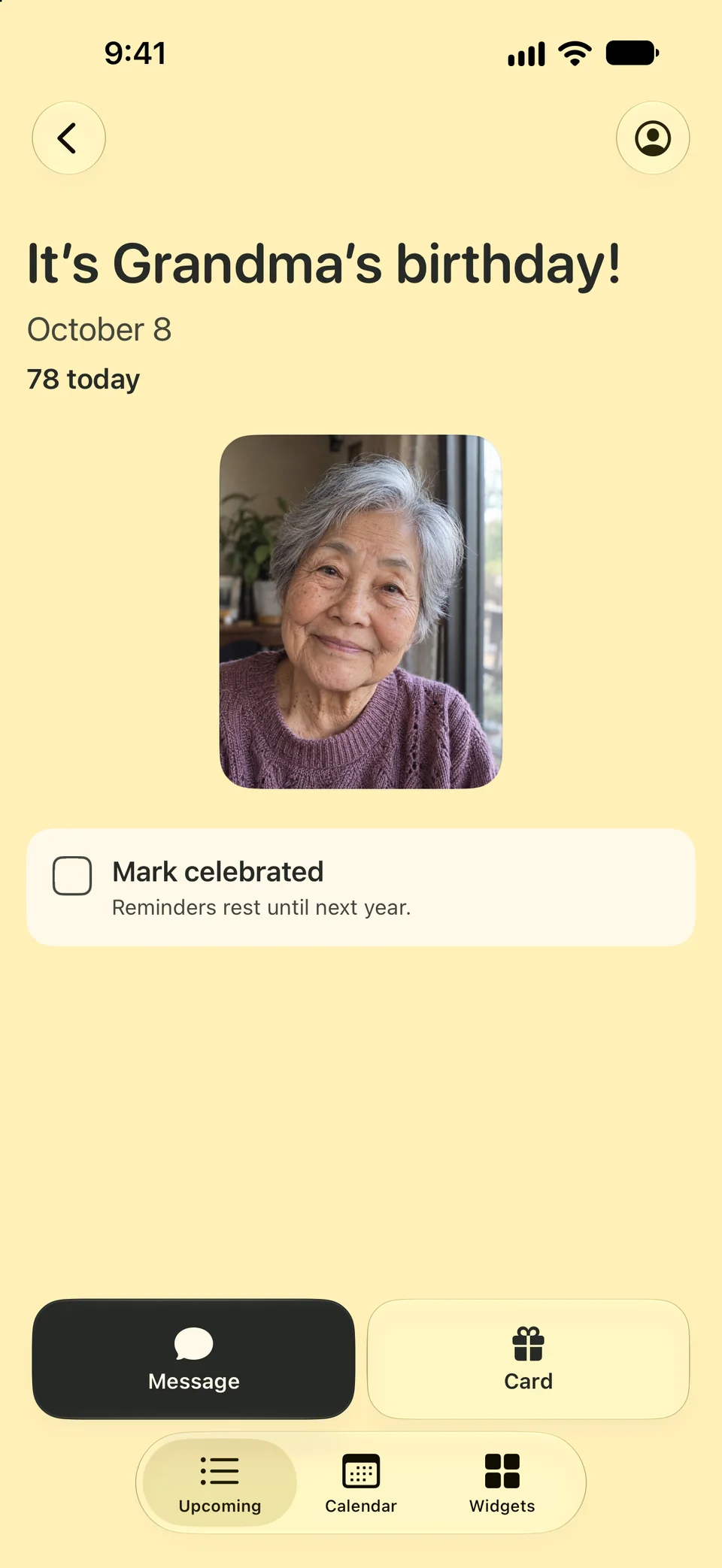
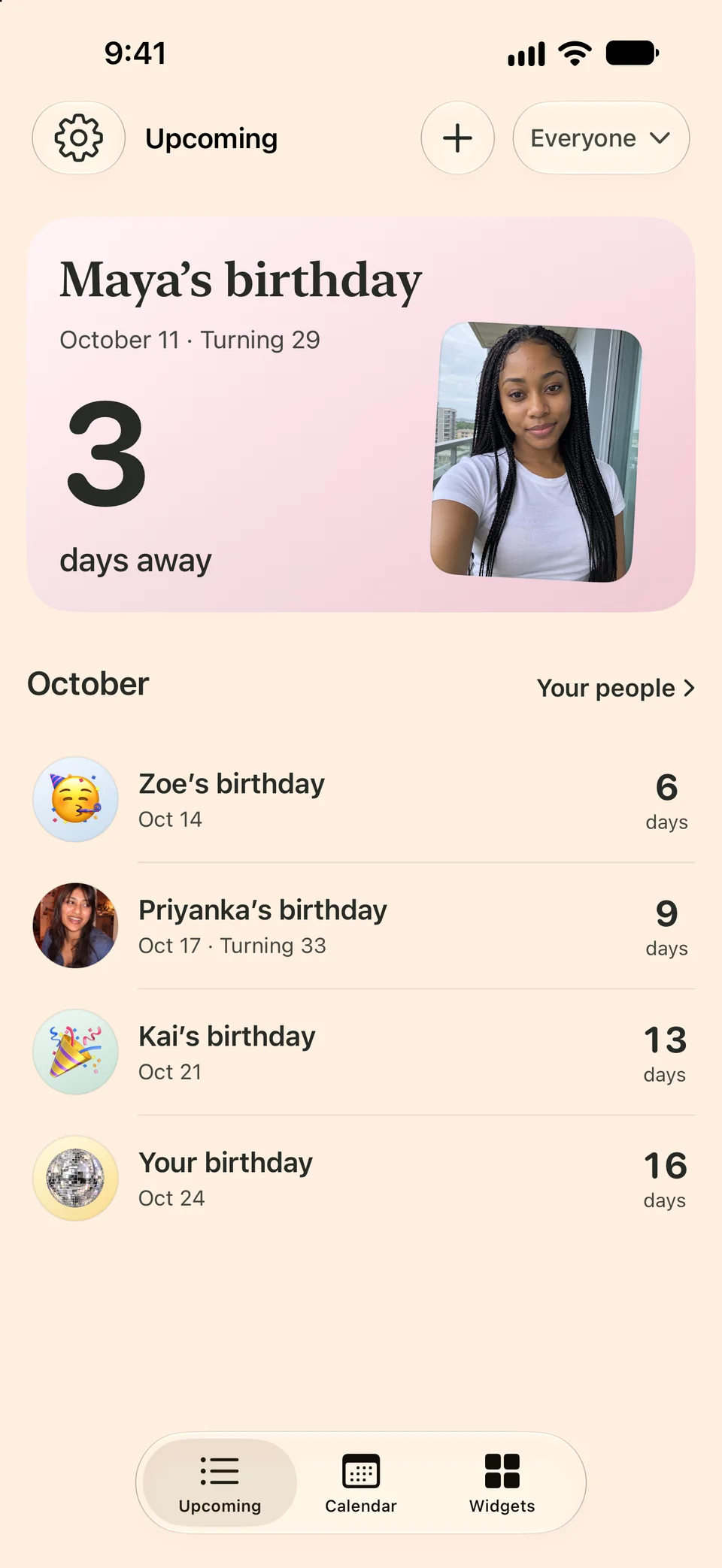
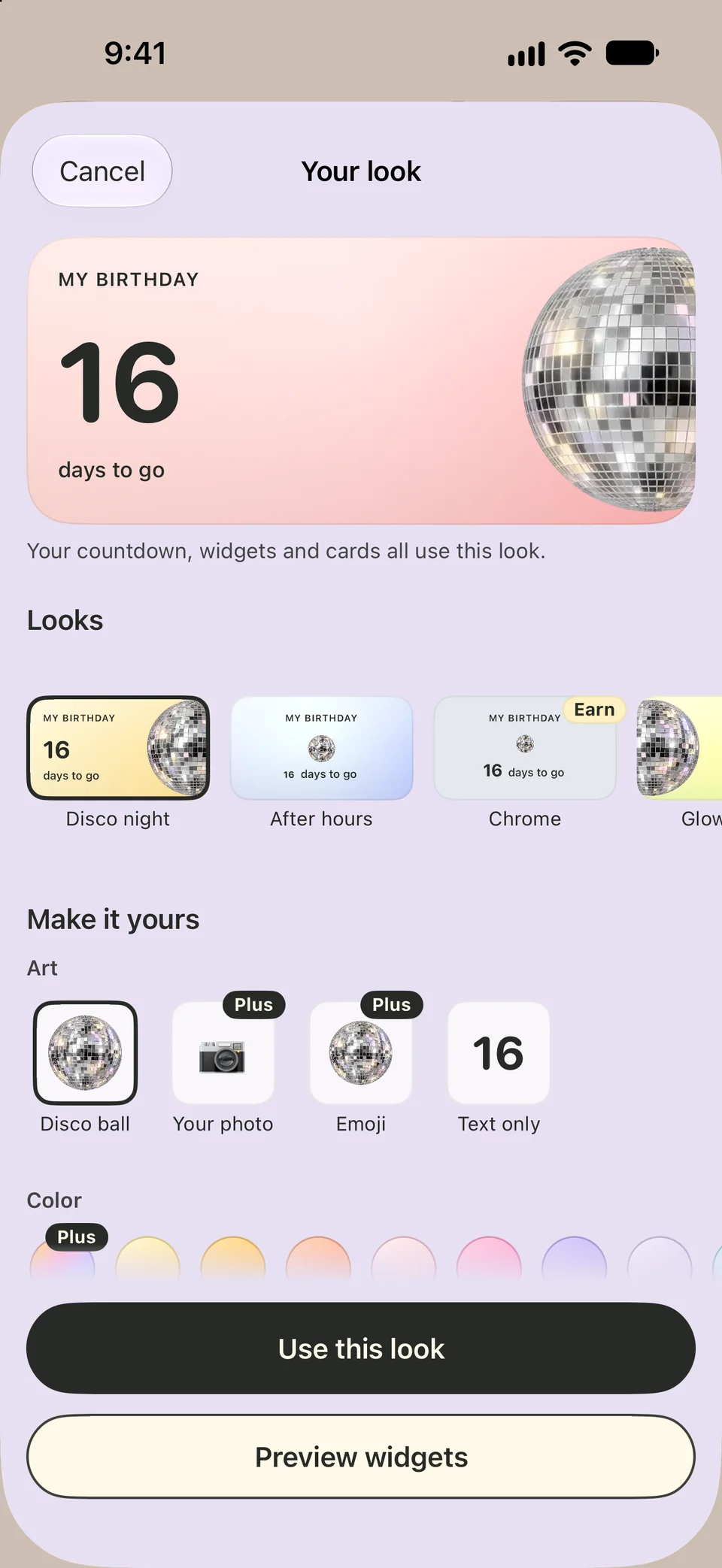
Sample people, created for the demo.
From setup to your first countdown.
Start with your birthday.
Add your first name and birthday. Then bring in your people from Contacts, the calendars you pick or a list you paste, or type them in.
Choose reminders.
Start with a week before, the day before and the birthday itself. Change the timing any time.
Add a widget.
Next birthday counts down to whoever is coming up, on your Home Screen or Lock Screen. Boop Plus adds more widgets and sizes.
Friends here, family there.
Group friends and family, save a gift idea, and choose whose birthdays appear in your list and widgets.
Groups and visibility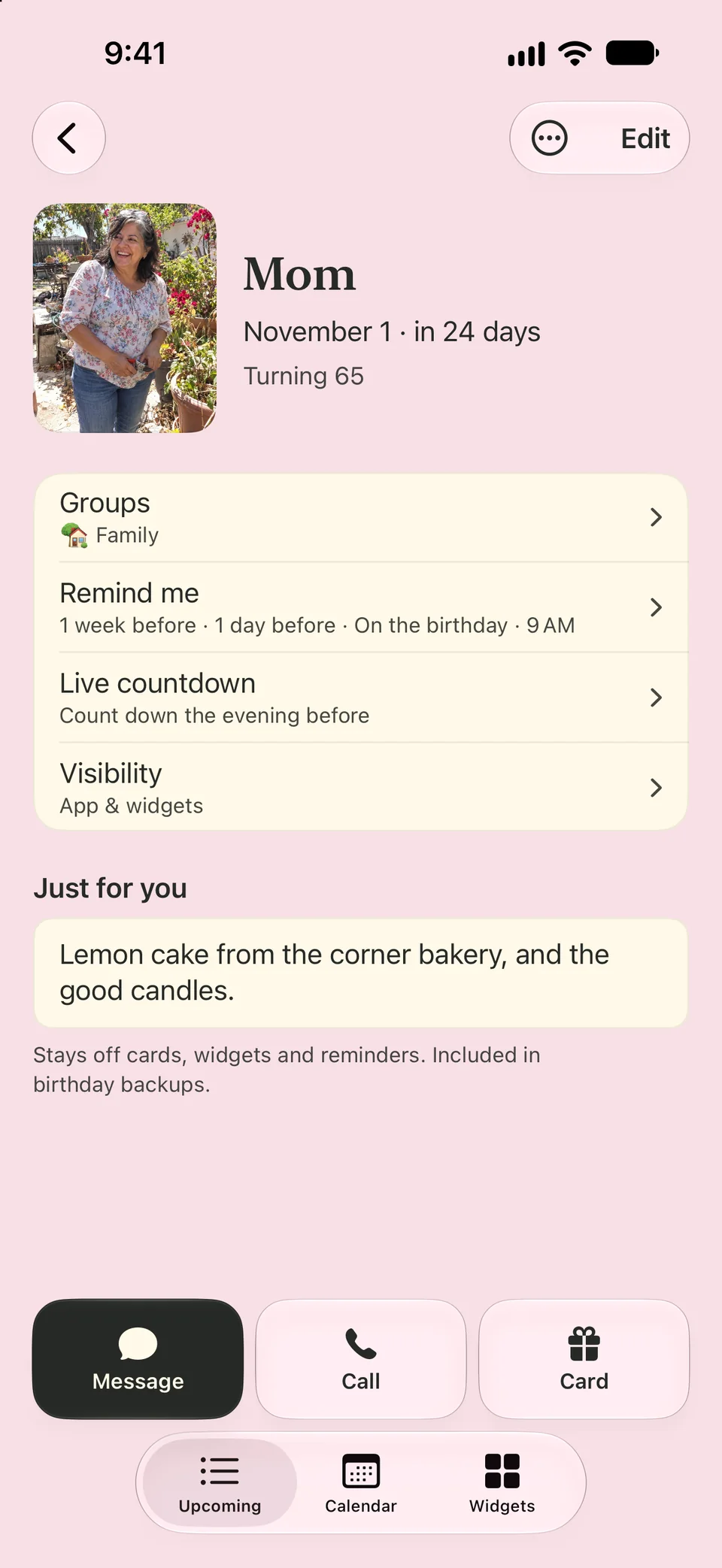
On your device, and in your iCloud.
Your birthday list stays on your device, with a private copy in your own iCloud so it follows you to a new phone. Start with just your name and birthday. Contacts and Calendar access are optional, and you choose which birthdays to save.
Read about your dataPut a birthday on your Home Screen.
Start with a Next birthday countdown, free. Boop Plus adds Your people, Photo shuffle, Countdown clock, This month and My birthday, in every look.
See widget setup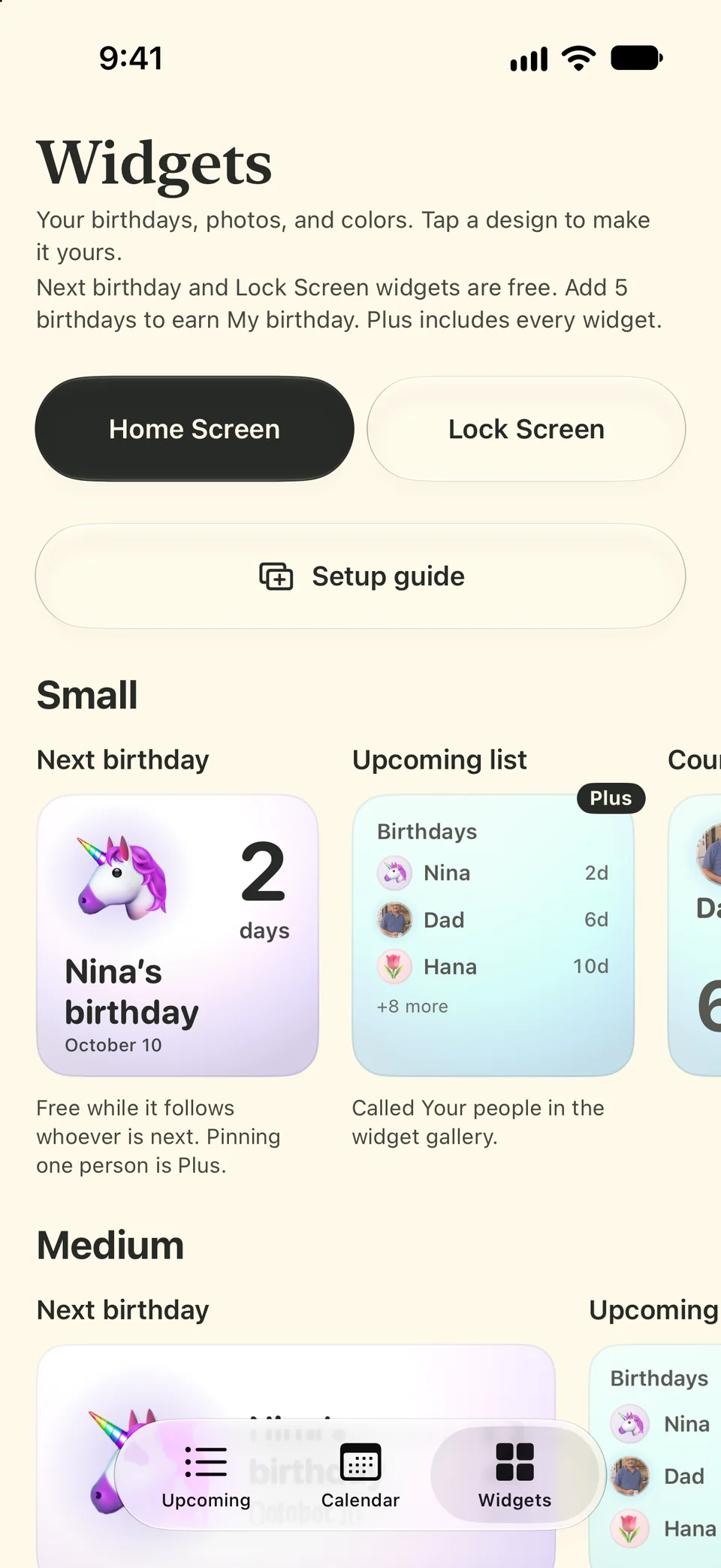
Free for every birthday.
Everything you need to show up for your people is free. Boop Plus dresses it up.
Free
- Every birthday, however you add it
- Every reminder, and the Live countdown on iPhone
- The calendar, groups and backups
- Next birthday on your Home Screen
- Every Lock Screen widget
- The Simple card and Discreet mode
- Two disco looks, with four more to earn
- Birthday stickers for Messages
Boop Plus
- Your people, Countdown clock, Photo shuffle, This month and My birthday widgets
- One person pinned to your Home Screen
- 13 looks, including the pastel Rainbow, and 3 more fonts
- 8 more app icons
- Cards in any look
Monthly or yearly. Yearly starts with a free week for new subscribers, then renews as a paid yearly plan unless you cancel at least 24 hours before it ends. Prices for your country appear in the app.
Birthday quests name their gift up front: add 5 birthdays for the My birthday widget, add a Boop widget for a font, make your first card for a card design and add 10 birthdays for a look, your pick each time and yours to keep in the app. From November 3 to 17, try on the pastel Rainbow look for the limited Rainbow Week badge.
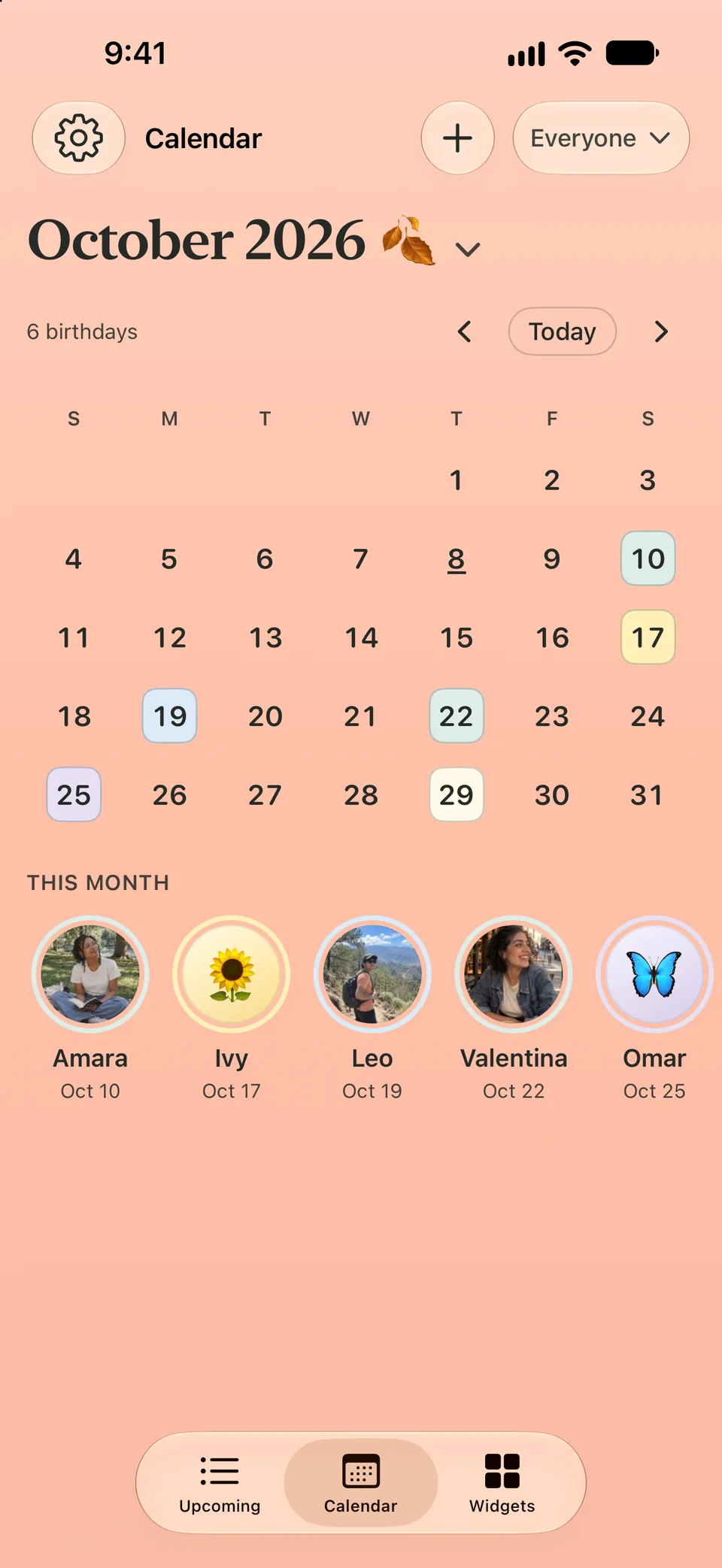
See the month ahead.
See upcoming birthdays together, then tap a date to plan ahead.
Good to know.
What’s free, and what comes with Boop Plus?
Every birthday, every reminder, imports, groups, the calendar, the Next birthday widget, every Lock Screen widget, the Simple card and backups are free. Boop Plus adds five more Home Screen widgets, 13 looks including the pastel Rainbow, 3 more fonts, 8 more app icons and cards in any look. It’s monthly or yearly. Yearly starts with a free week for new subscribers, then renews as a paid yearly plan unless you cancel at least 24 hours before the week ends. Prices for your country appear in the app.
Do I need everyone’s birth year?
A month and day is enough, including for your own birthday during setup. Birth year is optional; add it when you want an age or milestone.
Can I choose which birthdays to bring in?
Yes. Pick from Contacts, the calendars you choose or a list you paste, then review dates and groups before saving. Contacts that still need a birthday can go to Waiting on a birthday, if you pick them. When two entries look like the same person, Boop asks “Same person?” right in your list and combines them in a tap, with Undo, and asks “Is this you?” when one looks like your own birthday.
Can I choose when reminders arrive?
Yes. Pick the timing, mute anyone or any group, and turn on Discreet mode to keep names out of notifications, off your widgets or out of your Upcoming list, each with its own switch.
How do I move to a new phone?
With Keep in iCloud on (it starts on), your birthdays come back on their own: Boop keeps an encrypted copy in your iCloud and welcomes them back during setup on a new iPhone or iPad. Photos and quest rewards come along when you restore from an iCloud Backup, and Boop Plus comes back with Restore purchases.
Birthday Boop for iPhone and iPad.
Get notified at launchScreens from Birthday Boop 1.0 for iPhone. The look screen shows an example countdown.